


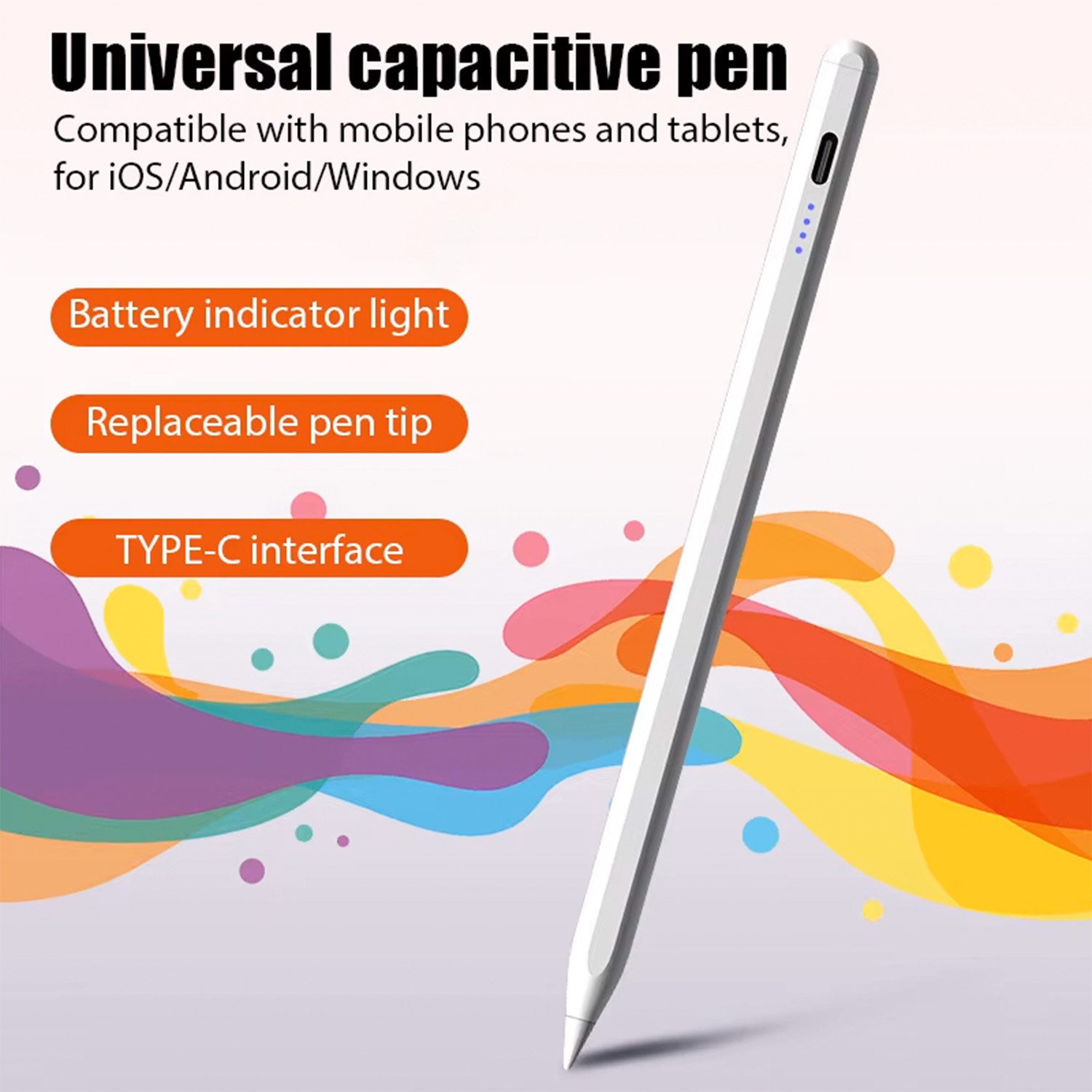
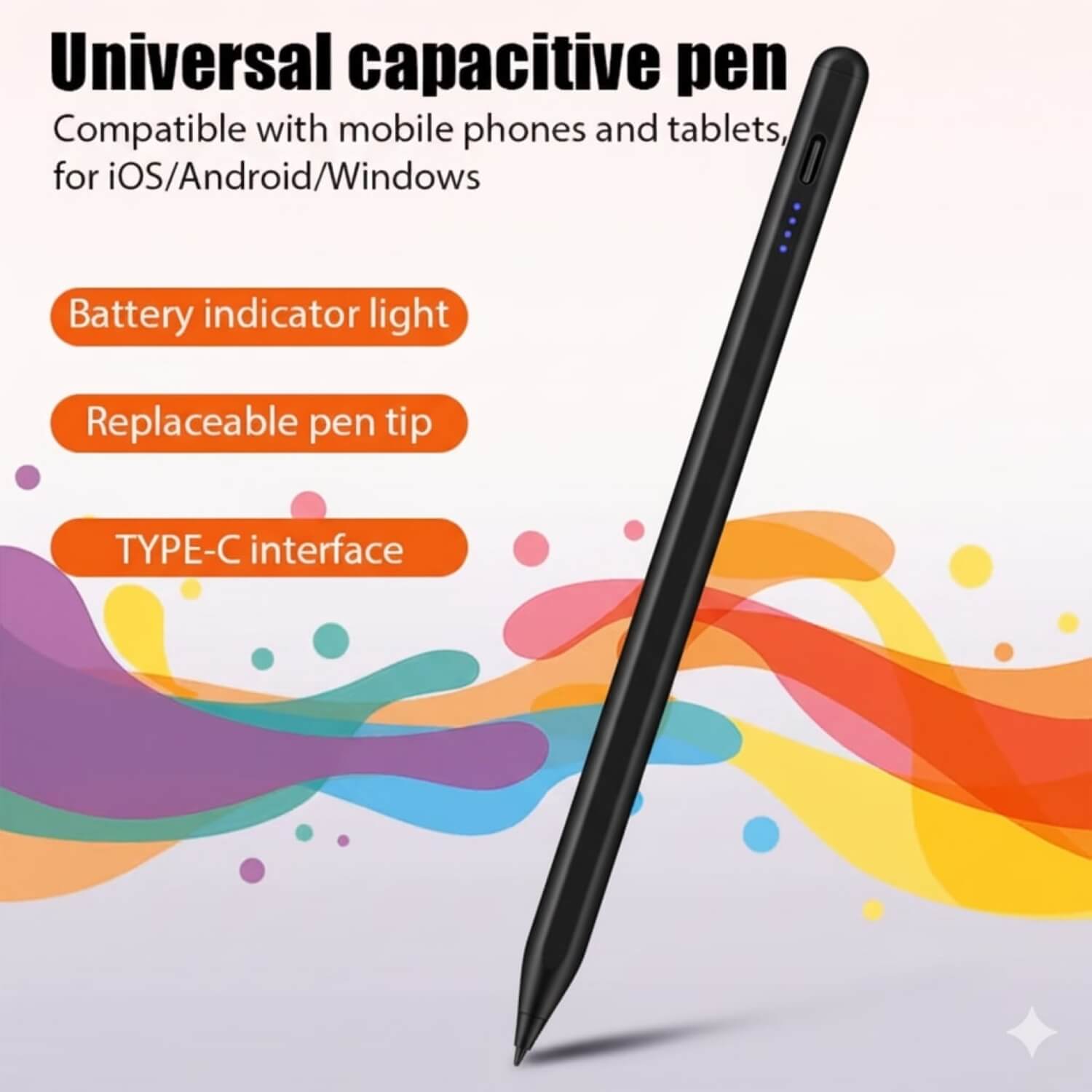
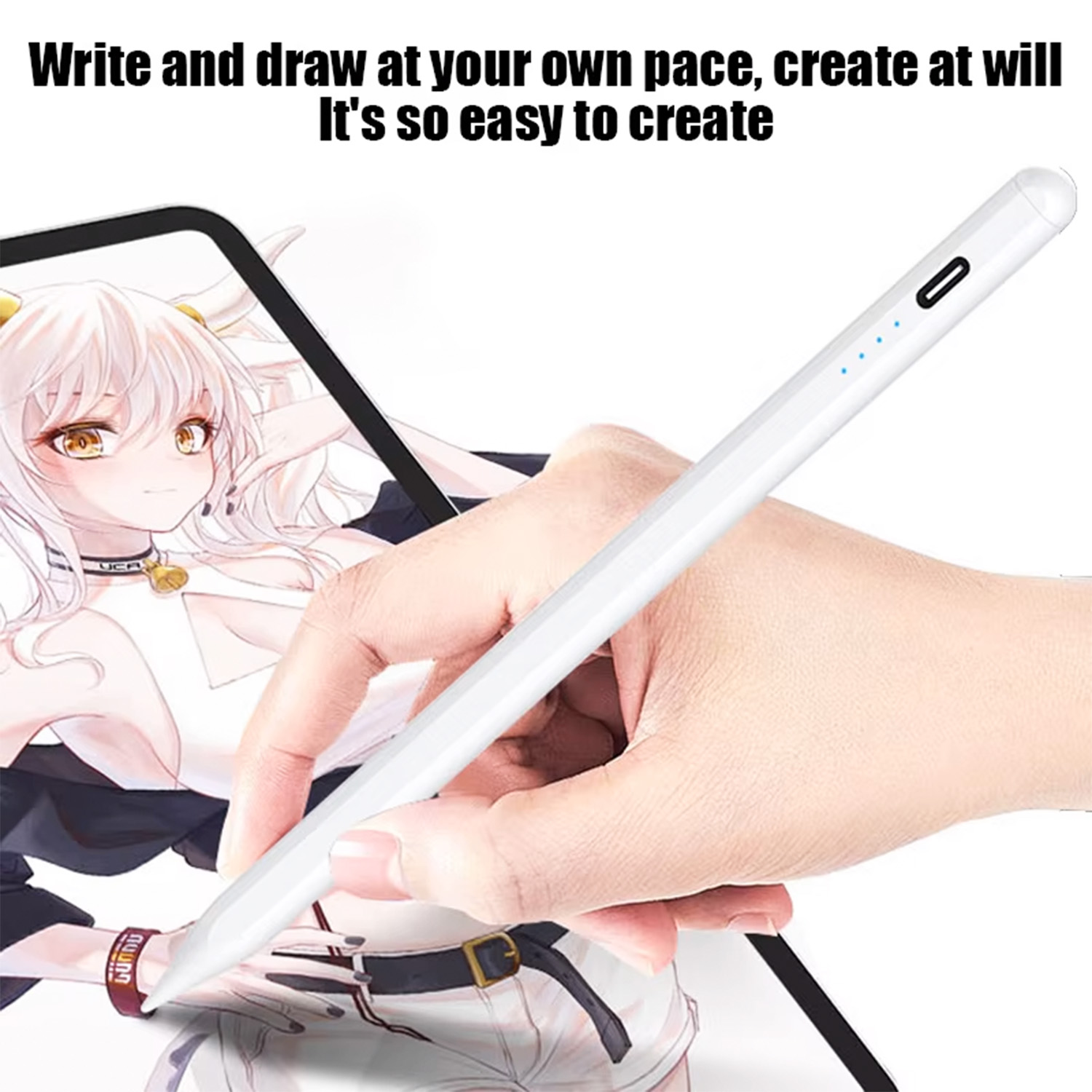
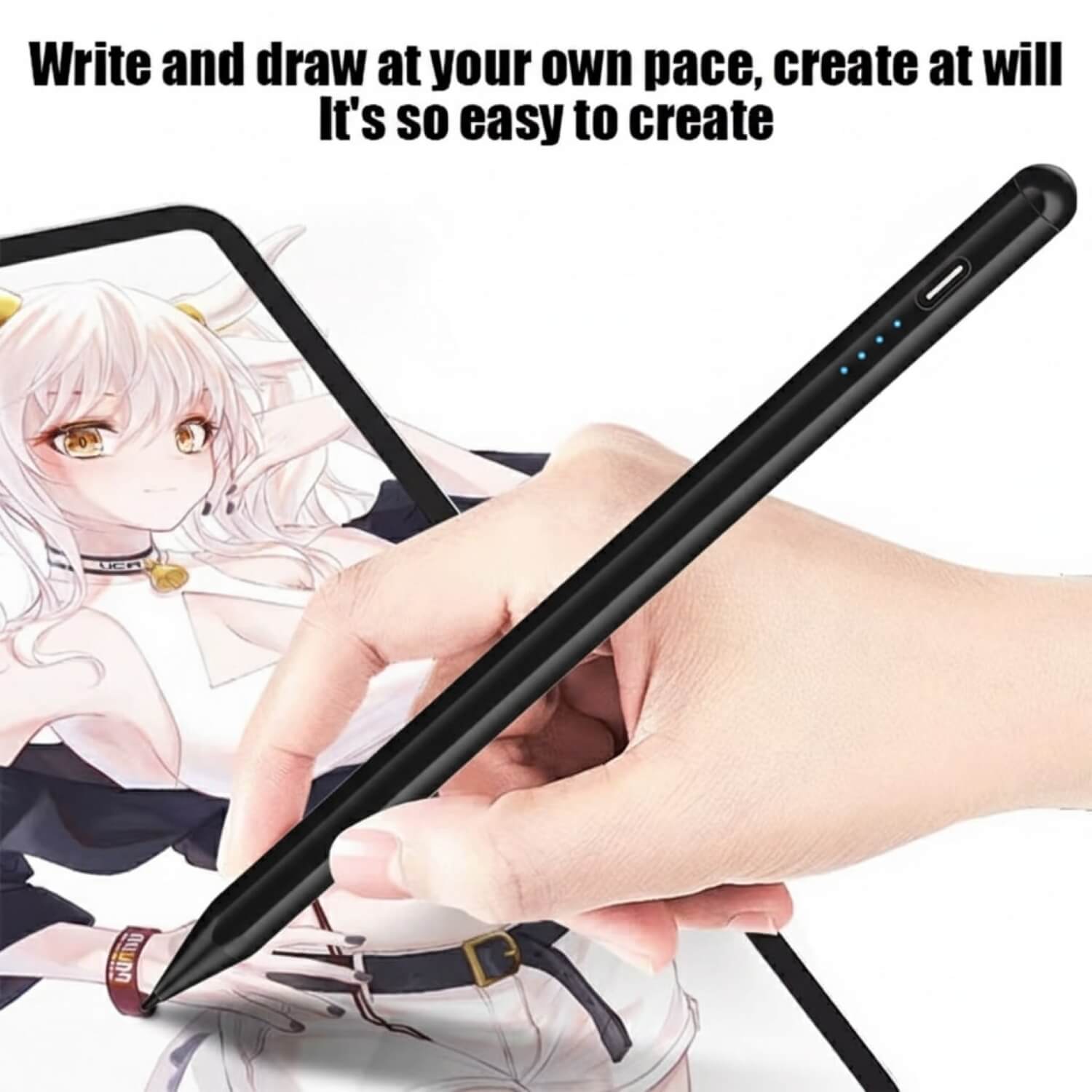
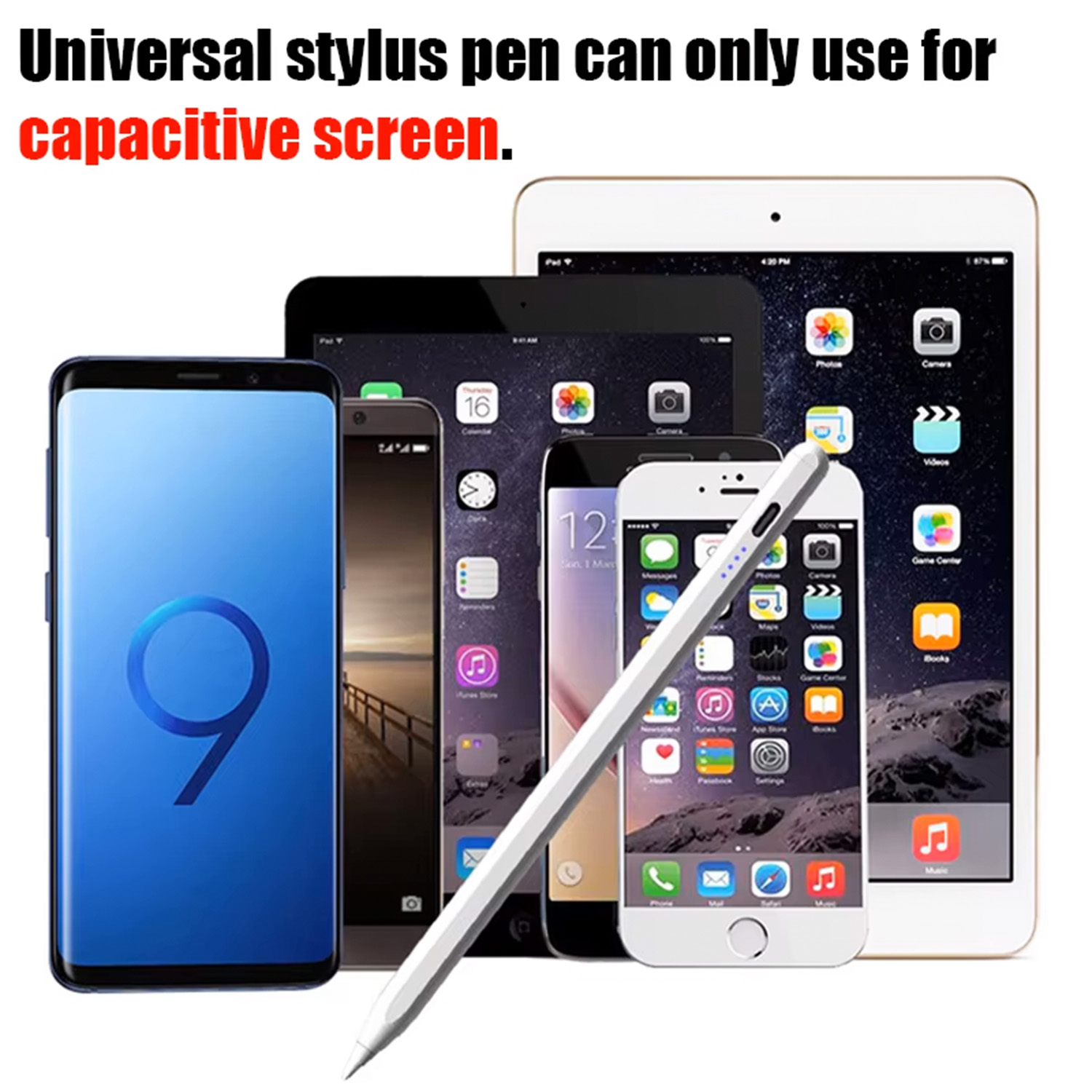
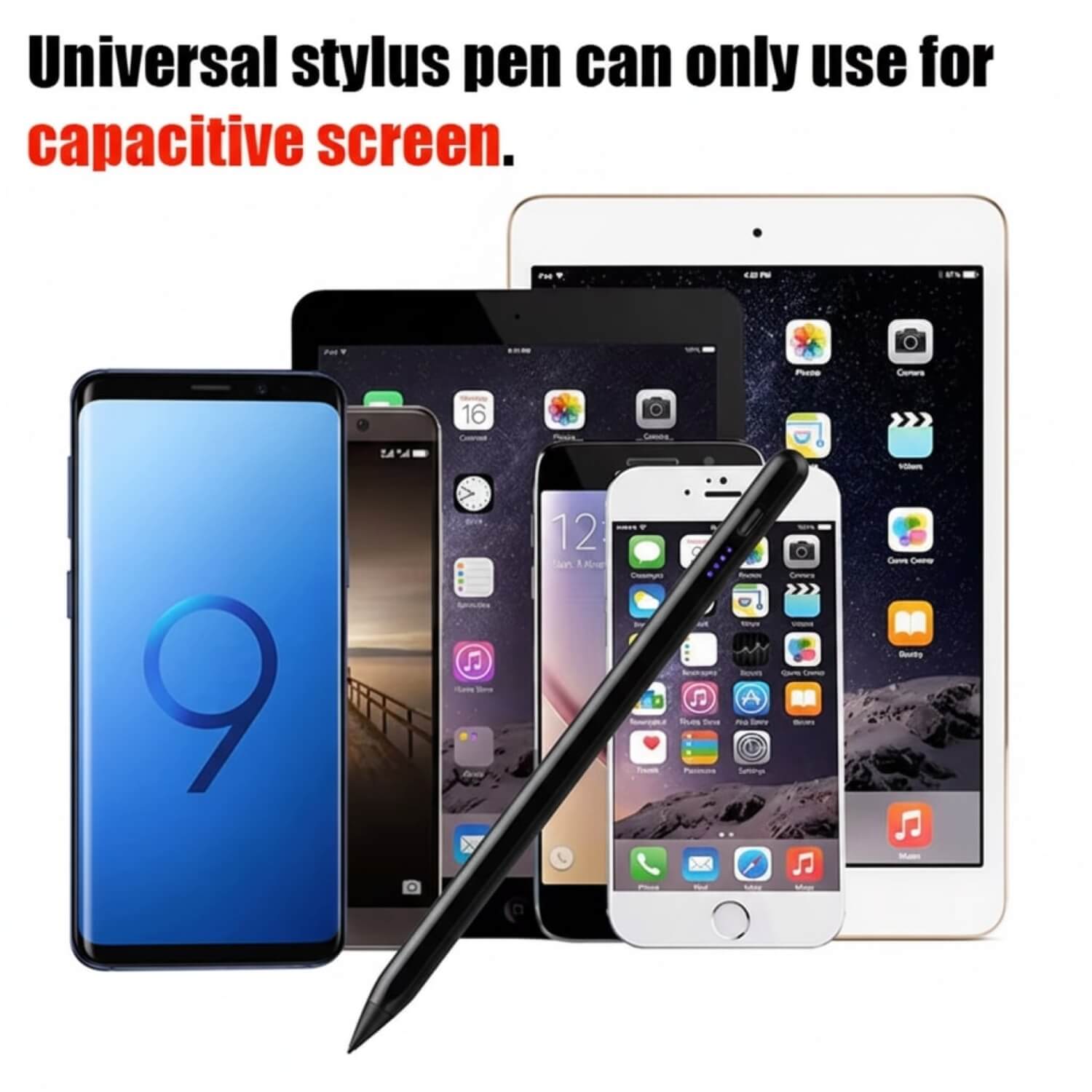
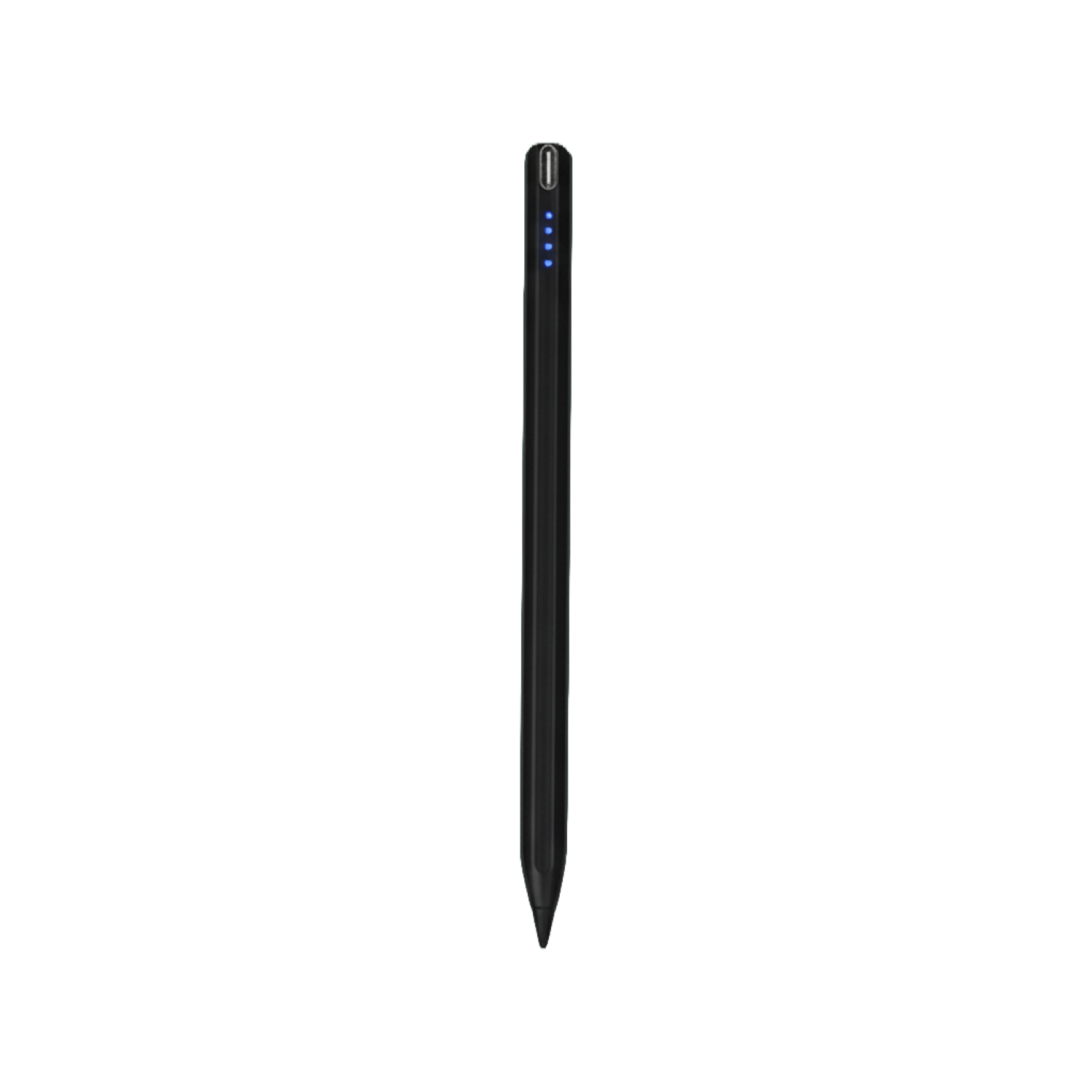
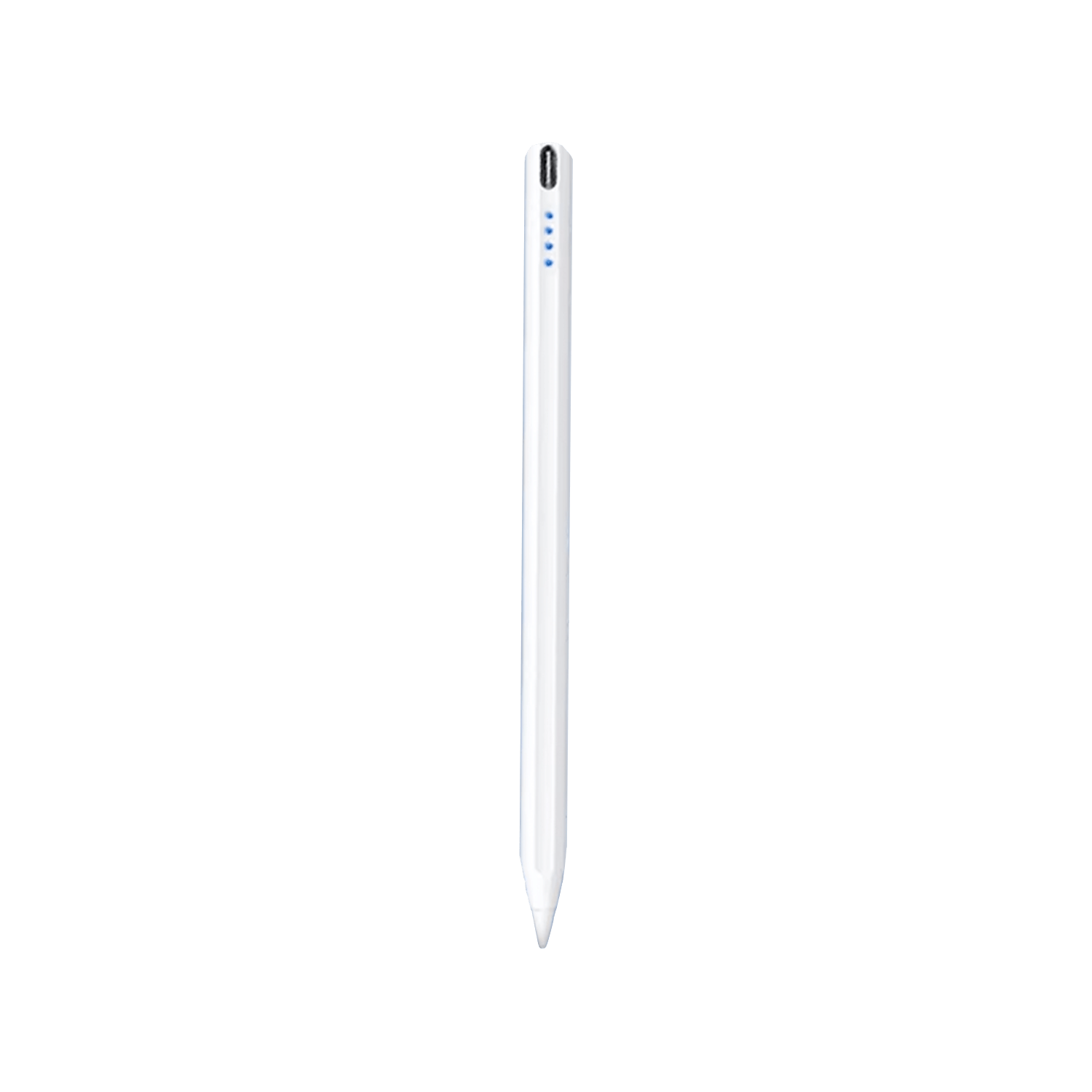
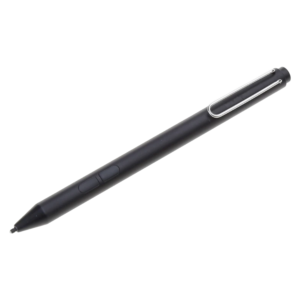
Unlock Your Potential with the Universal Capacitive Stylus Pen for GPD
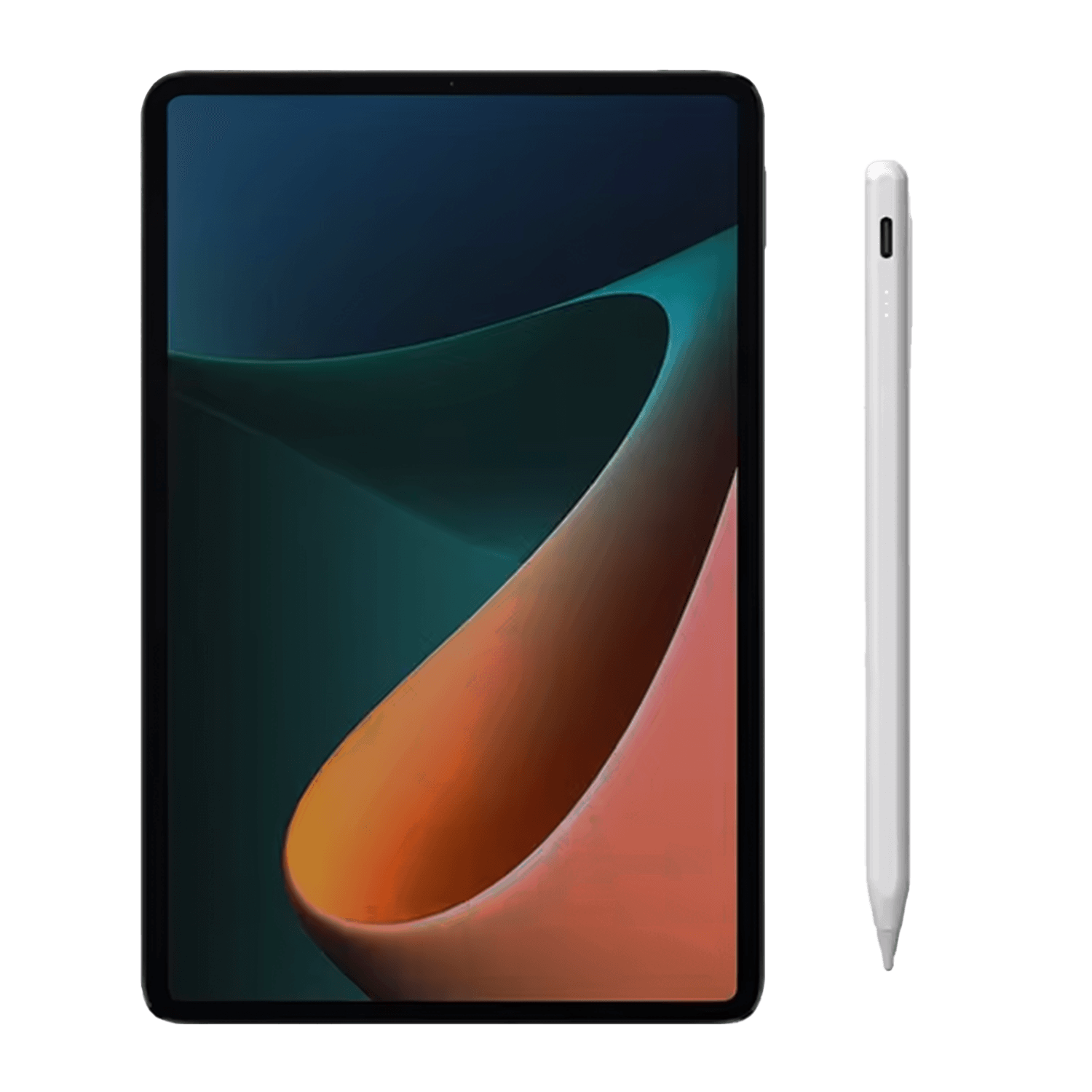
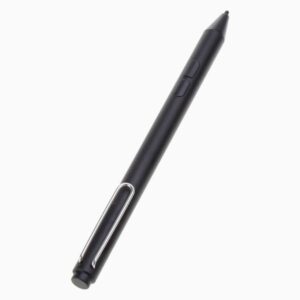
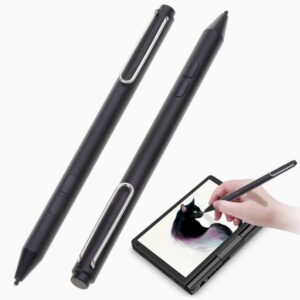
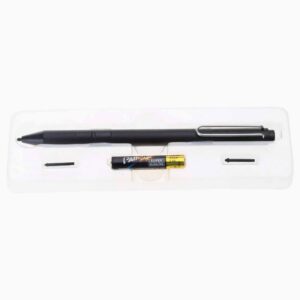
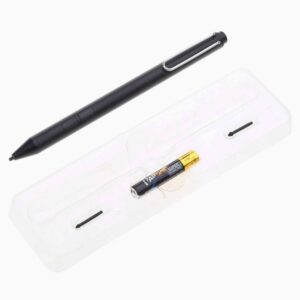
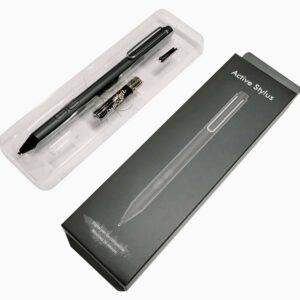
Crafted for precision, performance, and flawless compatibility with your favorite devices, this cutting-edge capacitive stylus is your go-to tool for drawing, writing, or navigating—perfect for both everyday tasks and professional projects.
Top Features:
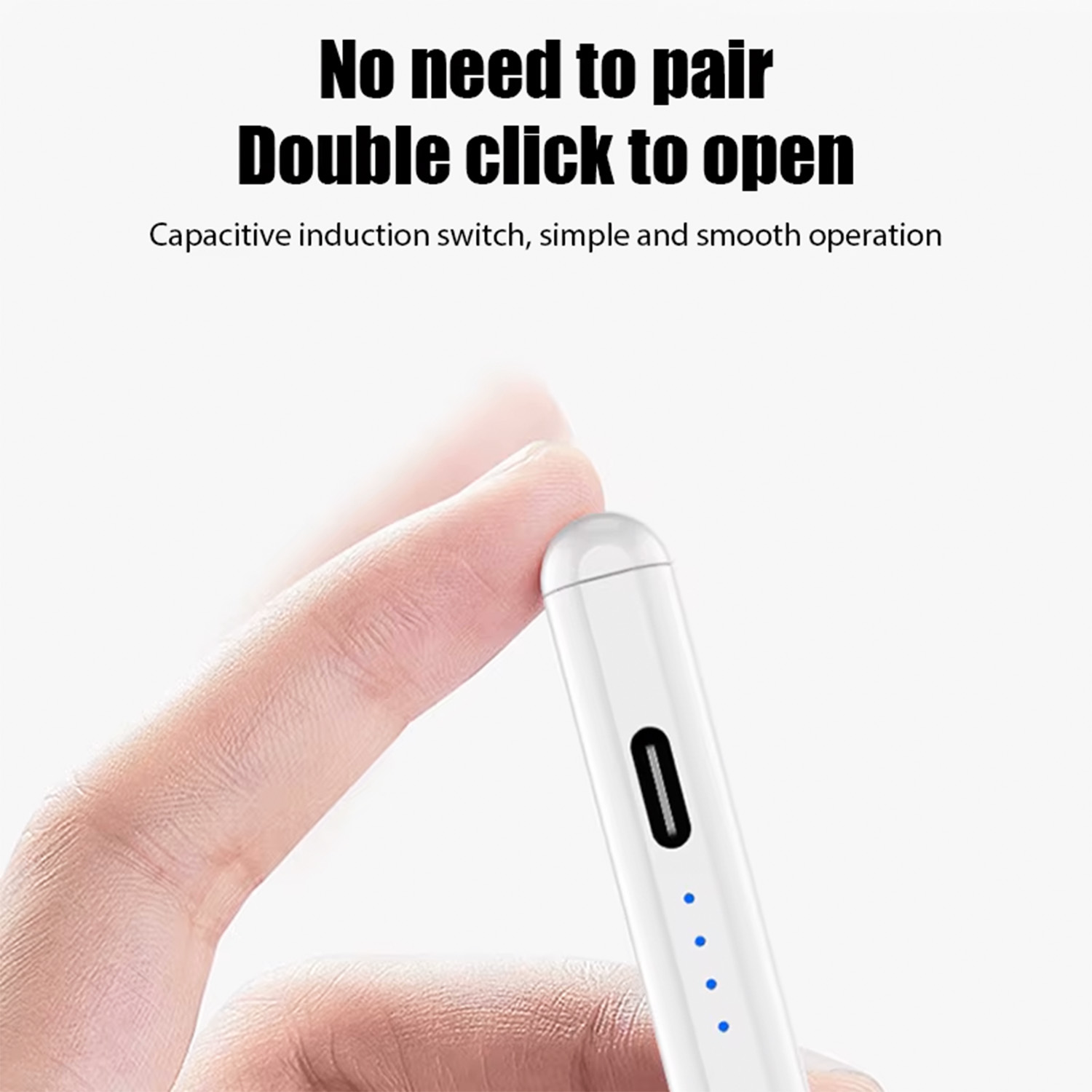
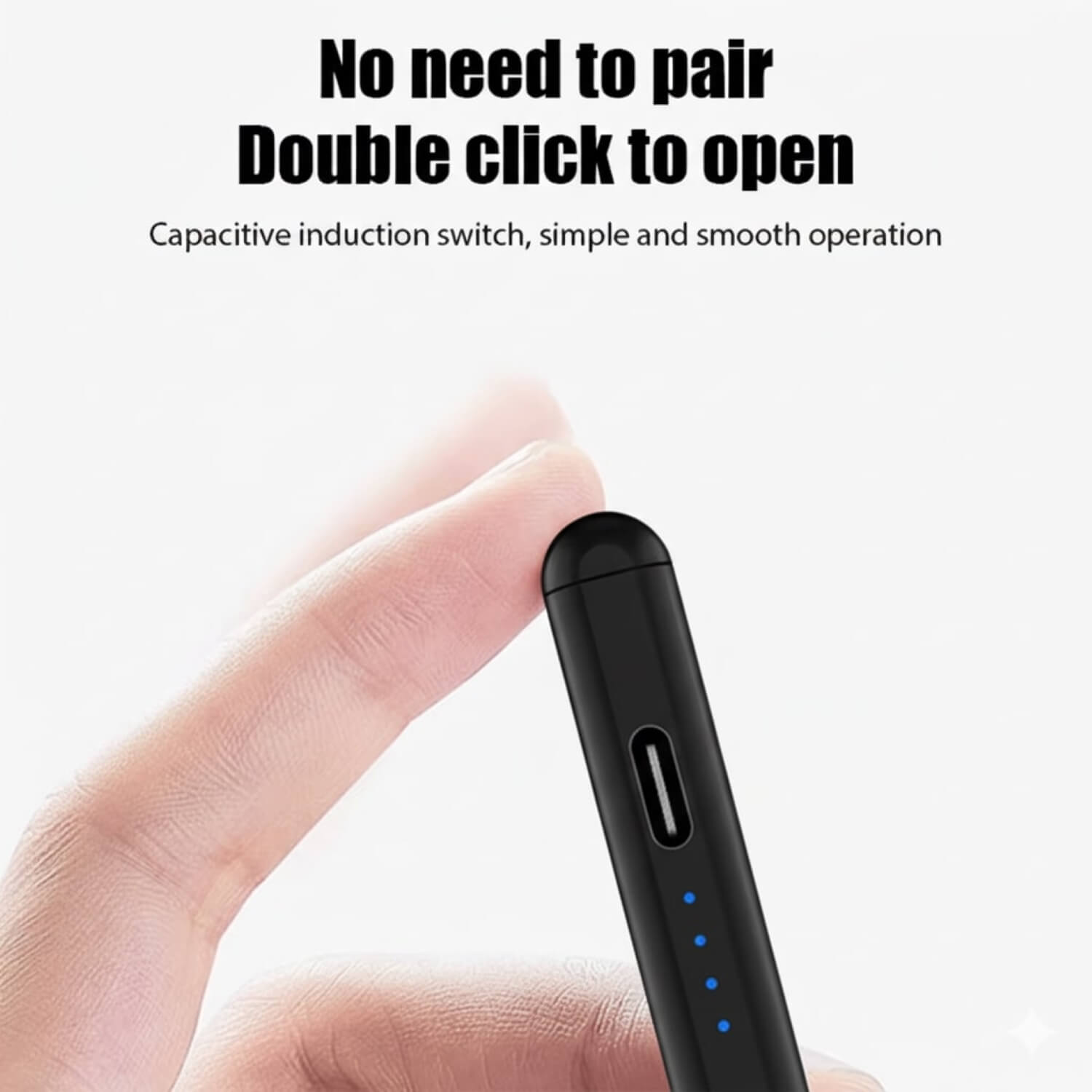
1. Simple, No Pairing Required
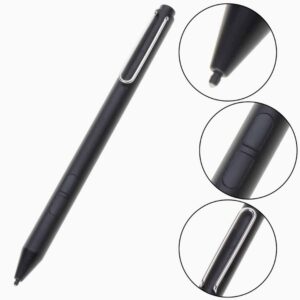
Start using it right away! Thanks to the capacitive induction switch, a quick double-tap turns it on—no complicated setup needed.
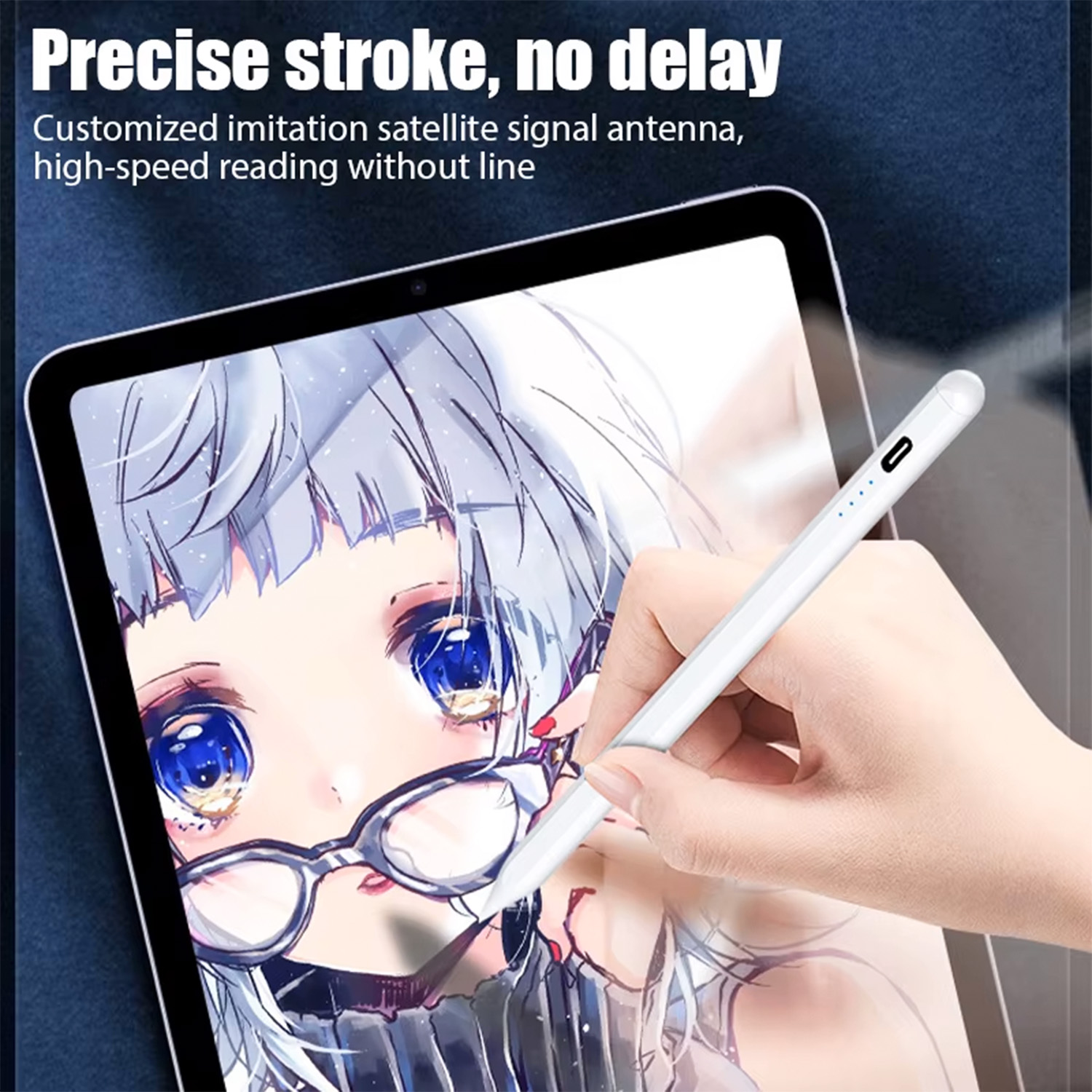
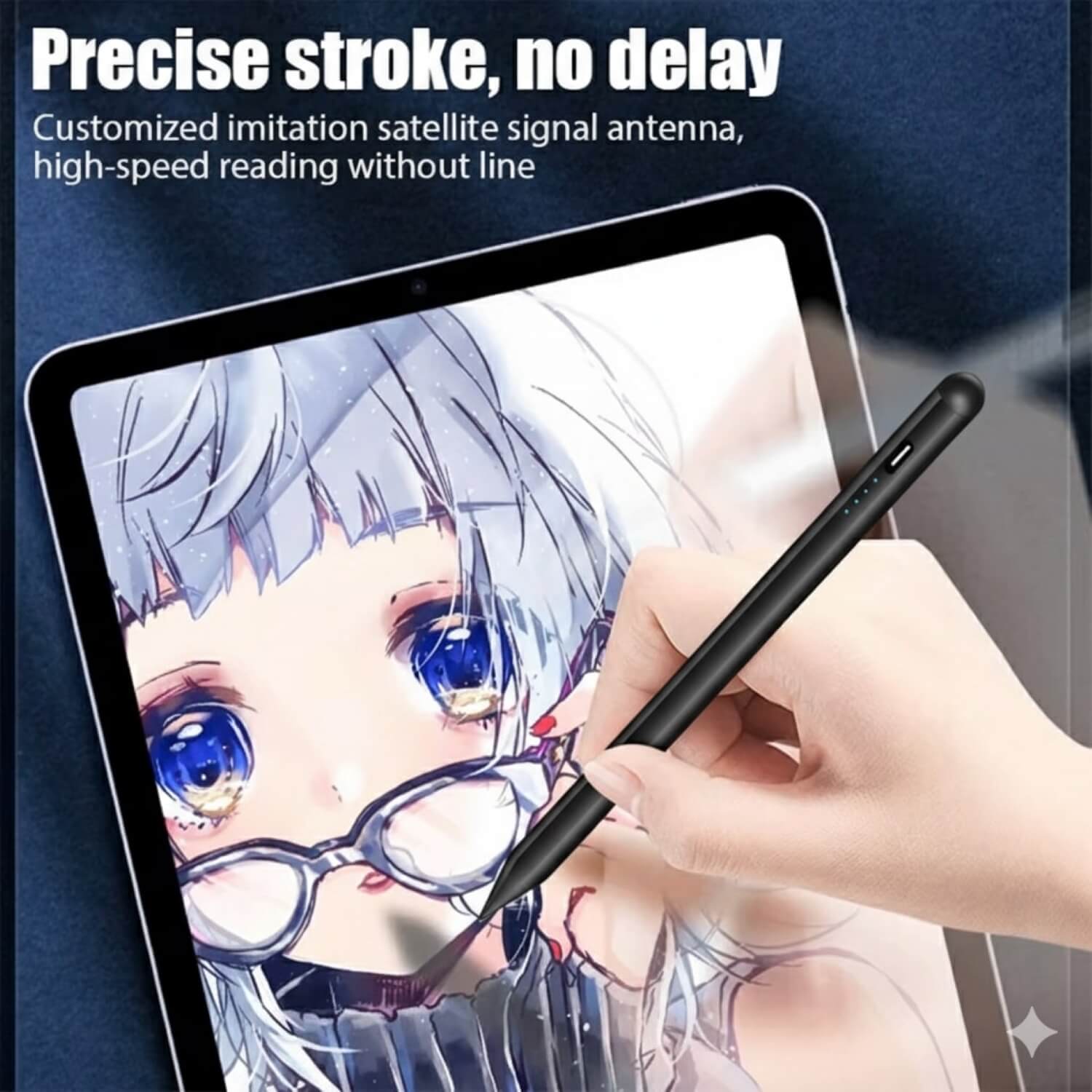
2. High-Precision & No Lag
Delivering smooth, precise strokes, this stylus features a specialized satellite signal antenna for fast response times and minimal delay.
3. Broad Compatibility
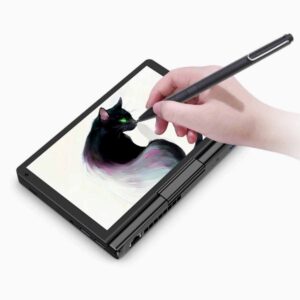
Seamlessly works with capacitive touchscreen devices, including GPD handhelds, tablets, smartphones, and more. Compatible with iOS, Android, and Windows systems.
4. Extended Battery Life
Keep creating with confidence! Equipped with a battery status indicator and fast Type-C charging, it provides long-lasting performance.
5. Slim & Ergonomic Design
Lightweight and comfortable, the stylus is ideal for long sessions, whether you’re sketching intricate artwork or taking notes.
Optimized for GPD Devices
Built with GPD users in mind, this stylus perfectly complements handheld gaming PCs and tablets, making it an essential accessory for productivity and entertainment alike.
Why Pick the Universal Capacitive Stylus Pen for GPD?
- No-fuss setup with no pairing required
- Ultra-sensitive for detailed work and smooth performance
- Works across all capacitive touchscreen devices and platforms
- Lightweight, durable, and portable for your on-the-go needs
Whether you’re a designer, a student, or a tech enthusiast, the Universal Capacitive Stylus Pen for GPD ensures precise, effortless interaction with all your devices.
Order now and transform your digital experience!
Additional information
| color | GPD Stylus – Black, GPD Stylus – White |
|---|---|
| Package Includes | 1x Universal Capacitive Stylus Pen for GPD |
3 reviews for Universal Capacitive Stylus Pen for GPD
Add a review
Related products
-
Select options This product has multiple variants. The options may be chosen on the product page
GPD Stylus for GPD Pocket 3 & WIN MAX 2
€20.95 – €25.95
Benjamin Tunnell –
Does not work with the gpd 4
Jacob Kennedy –
Haven’t used it hardly at all, but so far, I was a little disappointed. I went from a Microsoft Surface Book where I took handwritten notes for several years to the GPD Duo and without trying to take notes or anything, I’ve already noticed the pen is not magnetic to the computer, which is disappointing because it doesn’t keep the pen with the computer like the Surface Book did. This is probably more a complaint on the computer rather than the pen though as my Surface pen also did not stick to the computer. Other than that, I don’t yet have thoughts on the stylus, other than it looks sleek and black.
Andy Garrett✓ Verified Purchase –
Having owned the GPD Pocket 3 and used the stylus that came with that I would say the stylus for the GPD Pocket 4 is a step backwards.If you want to select something precisely you need to hold the stylus at 90° to the screen which is not a natural thing to do. I would also suggest the stylus could do with magnets to hold it to the case of the device it works with. In the case of the GPD Pocket 4 you can have a soft case which has a holder for the stylus, but sadly the stylus sticks out to far to close the case well.It’s not all bad though, once you have started to draw or write moving the stylus is smooth and easy to judge where you need to move it to start the next word or aspect of your drawing.All in all it is reasonably good value for money for the price.